
Download Pop Art Booth – pop art, photo effects, collage maker, creative photo app, fun photo tool, webcam photo app, artistic photo editor
Overview
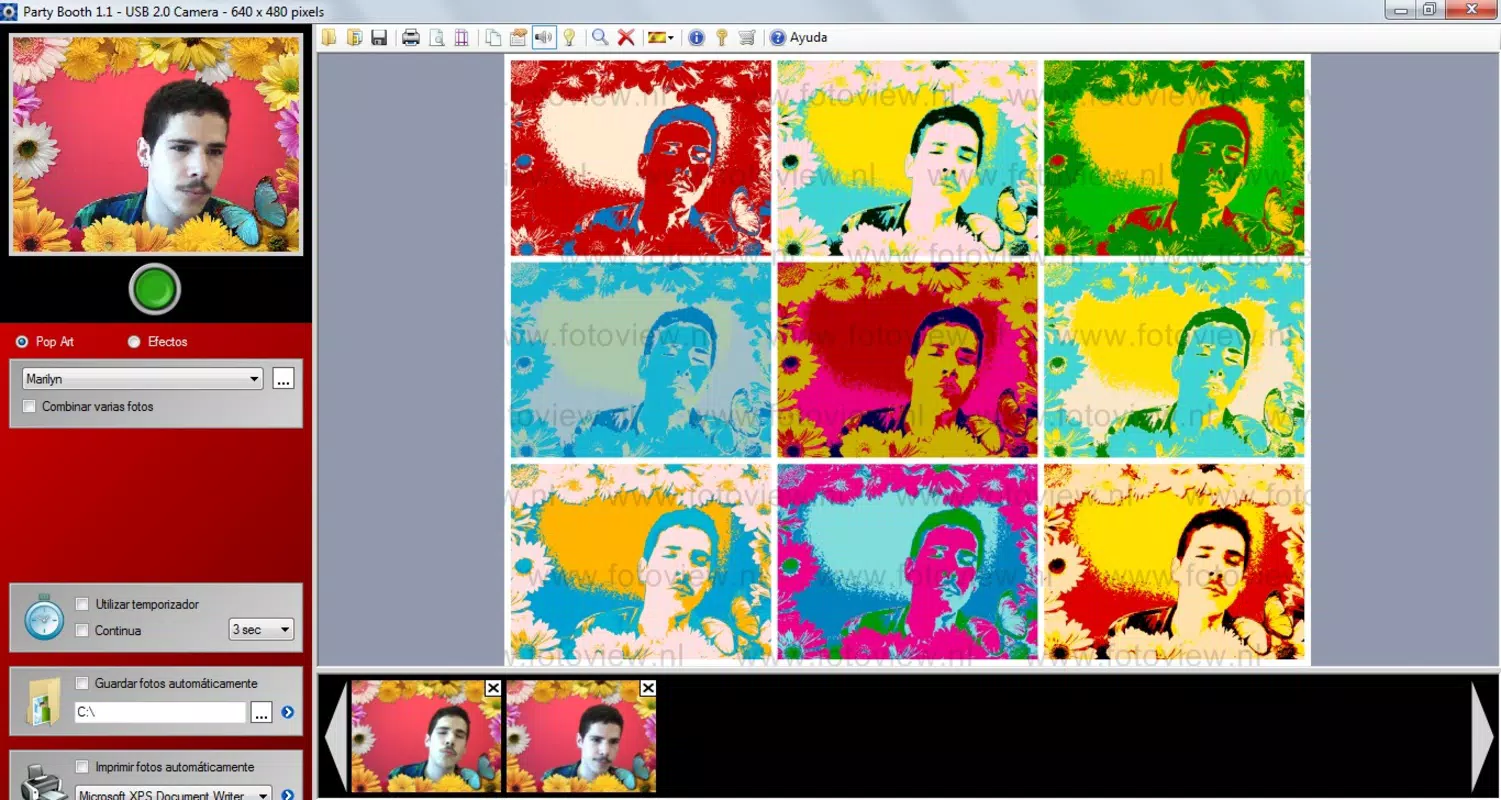
Pop Art Booth is a distinctive photo application designed to transform standard webcam snapshots into dynamic, visually striking works of art. Inspired by the bold aesthetics of pop art, the app enables users to apply vibrant, stylized effects that elevate everyday moments into creative expressions. Its core purpose lies in blending entertainment with artistic customization, offering a unique way to document gatherings, events, and personal memories with a playful twist. The app is particularly suited for casual users, social groups, and photography enthusiasts seeking an accessible tool to experiment with visual design.
By converting ordinary images into eye-catching compositions using techniques reminiscent of Andy Warhol and other pop art pioneers, Pop Art Booth addresses the desire for personalized, shareable content in a digital age. It serves as a utility for spontaneous creativity, ideal for parties, family reunions, or creative projects where visual impact matters. The app’s ability to generate collages further enhances its value, allowing users to craft storytelling visuals from multiple snapshots.
Although the developer did not provide additional technical details, the app’s long-standing presence in the market since its release on May 25, 2011, suggests a stable and enduring design. Despite its age, Pop Art Booth remains relevant as a niche tool for those seeking a simple, focused experience in photo transformation and collage creation. It occupies a unique space within the photography category by emphasizing fun and artistic flair over advanced editing capabilities.
Key Features & Functionality
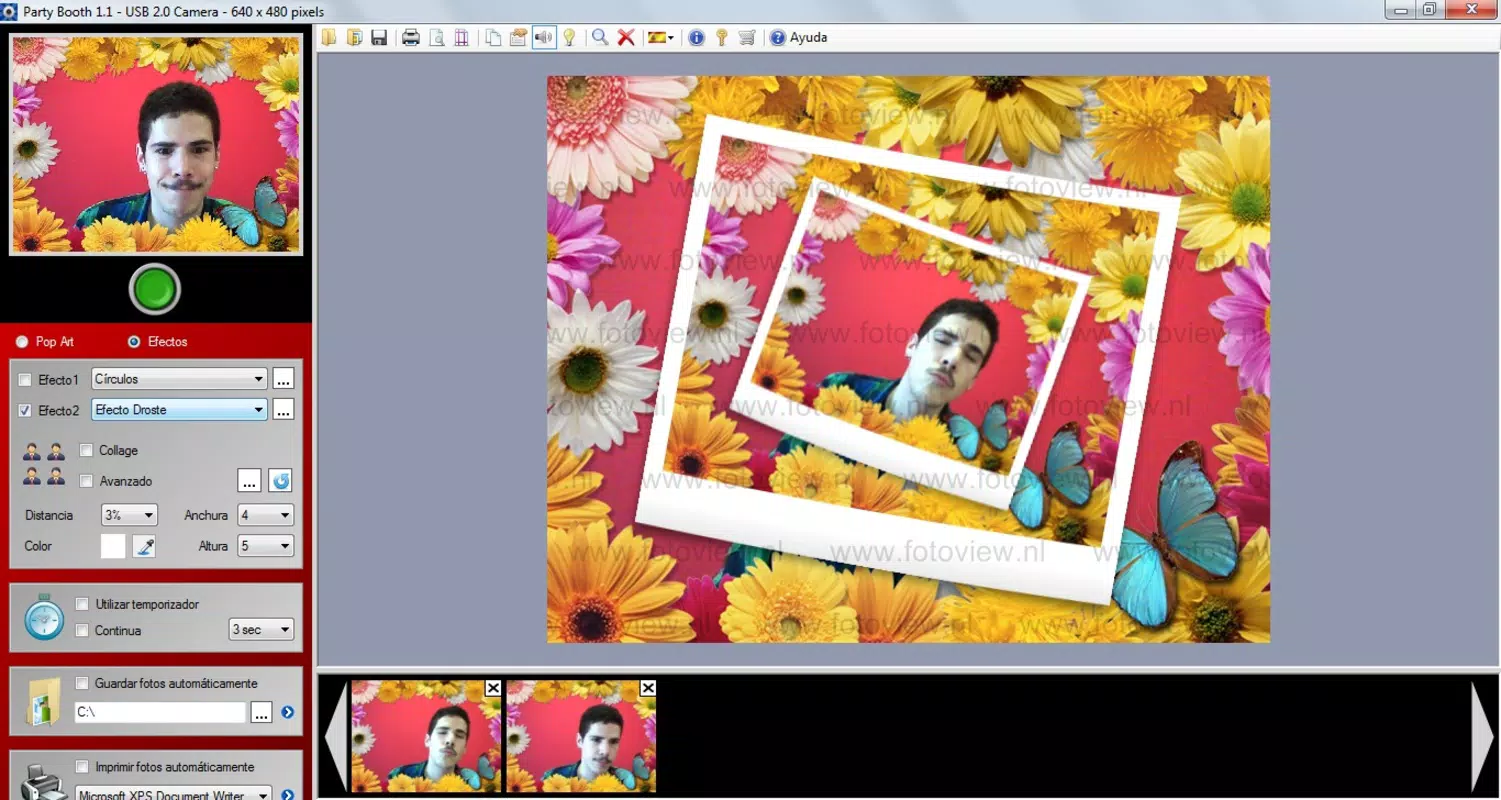
- Dynamic Photo Effects: Users can apply a variety of pop art-inspired filters that manipulate color saturation, contrast, and layout. These effects transform plain images into bold, graphic compositions, mimicking the style of 20th-century pop art movements. Real-world use includes enhancing group photos with a retro-futuristic aesthetic for social media or personal albums.
- Collage Creation: The app allows users to arrange multiple images into a single, framed composition. This feature supports storytelling through visual sequences—ideal for capturing the flow of a party, a road trip, or a creative project. The resulting collage serves as both a digital keepsake and a printable artwork.
- User-Friendly Interface: Navigation is streamlined with intuitive controls, enabling users to take photos with minimal effort. Simple button layouts and accessible menu options make the app suitable for users of all technical skill levels, including those who are not familiar with advanced photo editing tools.
- Group Photo Capability: The app supports capturing multiple subjects in a single frame, making it ideal for gatherings. This functionality enhances the social aspect of photography by ensuring everyone in a group can be included in a shared artistic moment.
- Direct Printing Functionality: Users can send their edited photos directly to a connected printer. This feature bridges the digital and physical worlds, allowing users to produce tangible prints of their creations—perfect for gifts, home decor, or archival purposes.
Interface, UX & Performance
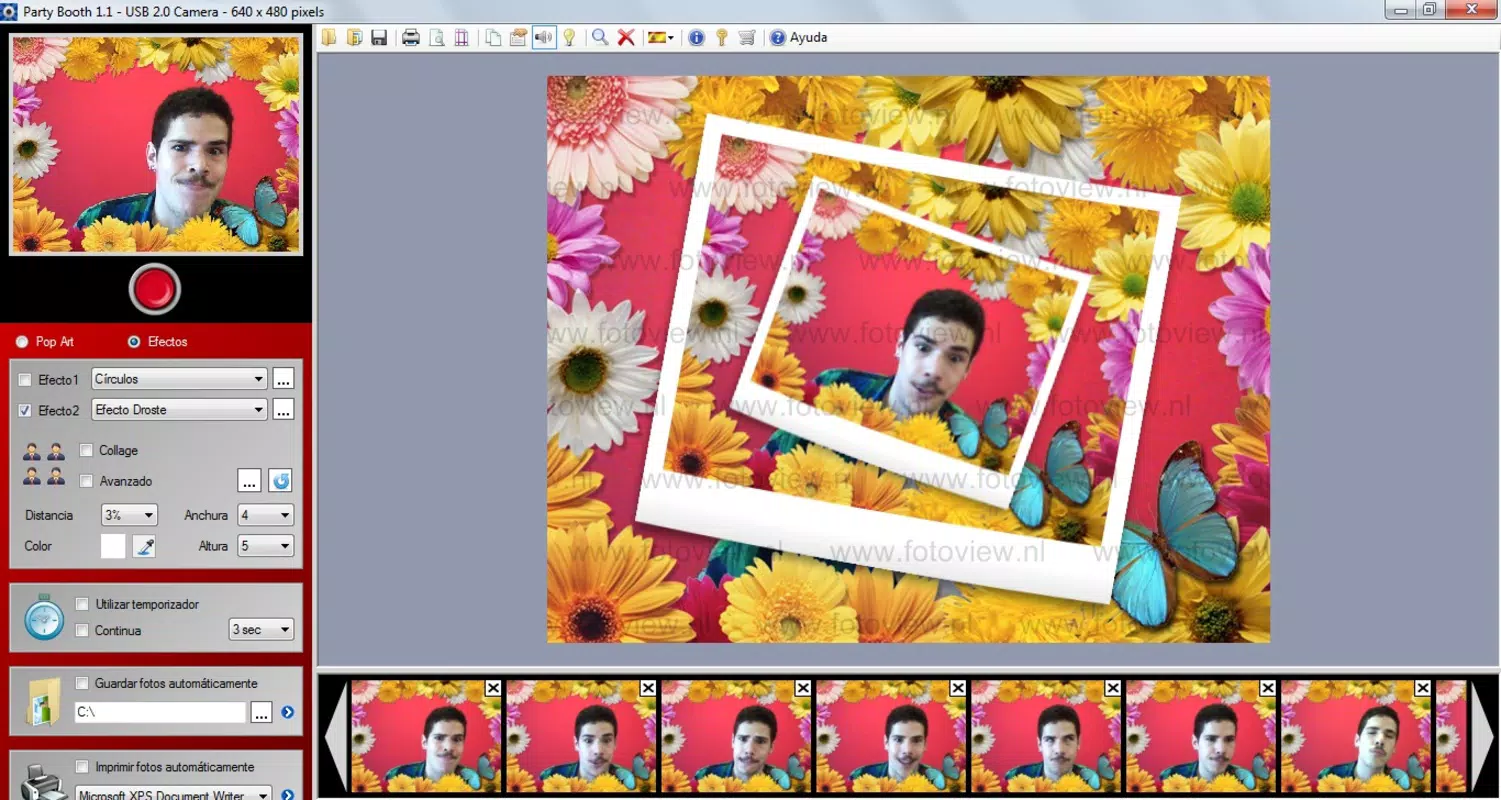
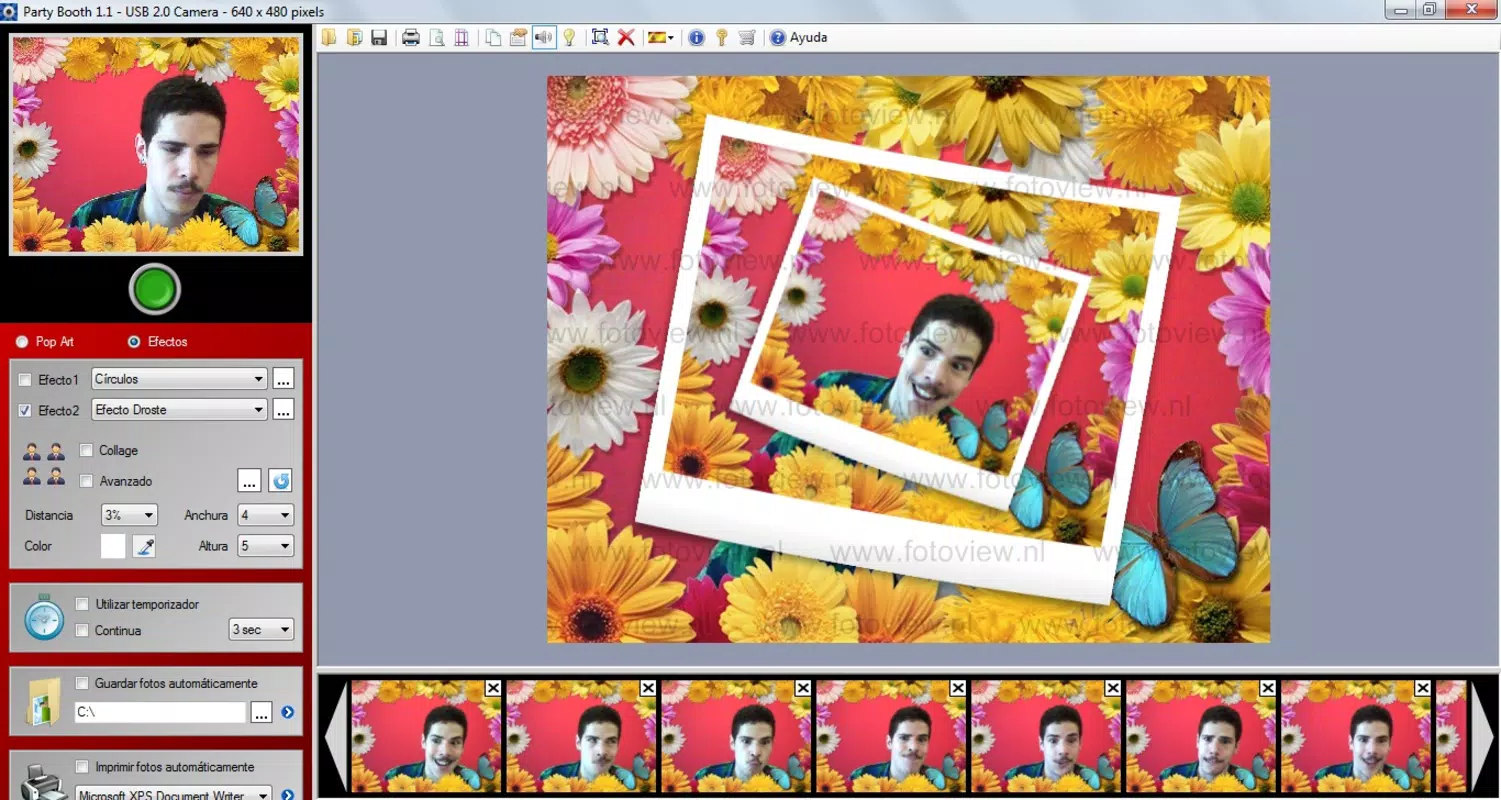
Pop Art Booth features a clean, minimal interface focused on core functions: capturing, editing, and sharing. The layout prioritizes accessibility, with key tools placed within easy reach. Visual elements are designed to support the app’s artistic theme, using bright, contrasting colors that align with its pop art inspiration.
Navigating the app is straightforward, with a logical flow from capture to editing to output. Users can switch between effects and collage modes with a few taps or clicks, minimizing friction during use. Although the developer did not list formal performance metrics, the app’s lightweight file size of 3.5 MB suggests efficient resource usage, which may contribute to smooth operation on older or low-spec systems.
Responsiveness appears consistent across device categories, though specific compatibility details were not disclosed. Stability is implied by the app’s longevity, but users should be aware that it has not been updated since 2011. This may affect performance on modern operating systems, particularly those with stricter security or display requirements.
Platform Compatibility & Technical Requirements
Pop Art Booth is designed for the Windows platform, with no information provided on specific OS versions or hardware requirements. The app has a file size of 3.5 MB, indicating a lightweight footprint that may support older systems. However, the developer did not specify minimum OS requirements or compatibility with current Windows versions.
Given its release date of May 25, 2011, the app was originally developed for an earlier generation of Windows environments. Users are advised to verify compatibility with their current system before installation. While the app may function on modern Windows machines, it is not guaranteed due to potential changes in system architecture, driver support, or security policies.
Pros and Cons
Pros
- Simple, intuitive interface suitable for users of all experience levels.
- Offers unique pop art effects that stand out in a crowded photo app market.
- Enables creative collage creation for storytelling and visual expression.
- Includes direct printing functionality for tangible photo output.
- Lightweight design with a small file size, reducing system resource usage.
Cons
- App has not been updated since 2011, raising concerns about long-term compatibility.
- Platform is limited to Windows, excluding mobile and macOS users.
- Specific technical requirements and OS compatibility were not disclosed.
- Limited to webcam-based photo capture; no support for device cameras or external image imports.
- No cloud integration or social sharing options were mentioned.
FAQ
Is Pop Art Booth available for mobile devices?
As of the provided information, Pop Art Booth is only available for Windows. There is no official release for Android or iOS devices.
Can I use Pop Art Booth with my smartphone camera?
The app is designed for webcam input. There is no indication that it supports smartphone cameras or external image uploads.
Is Pop Art Booth safe to download and install?
While the app is available from its official developer, users should exercise caution when installing software from older releases. It is recommended to scan the file with antivirus software before installation.
Does Pop Art Booth require an internet connection?
There is no information provided about internet dependency. The app appears to function offline, as all core features are local and do not require cloud services.
How do I update Pop Art Booth?
The app has not been updated since 2011. The developer did not provide information on update mechanisms or future release plans.
Final Thoughts
Pop Art Booth remains a nostalgic yet functional tool for users seeking a fun, creative way to transform webcam photos into artistic compositions. Its focus on pop art effects and collage creation offers a unique experience in a market dominated by complex editing suites. While its age and lack of updates are notable drawbacks, the app’s simplicity and low system demands make it a viable option for legacy systems or users who value straightforward, thematic photo editing.
Those who enjoy playful, visual storytelling and appreciate retro-inspired design will find value in this tool. It’s especially suited for casual users, educators, or event organizers looking to add a creative flair to photo sessions. For anyone searching for a secure, lightweight, and fun photo app with a distinctive style, Pop Art Booth delivers a unique proposition.
Download Pop Art Booth now


